Install a Sign
Choose the post, panel, riders, accessories, date, and exact placement instructions.
Start installation →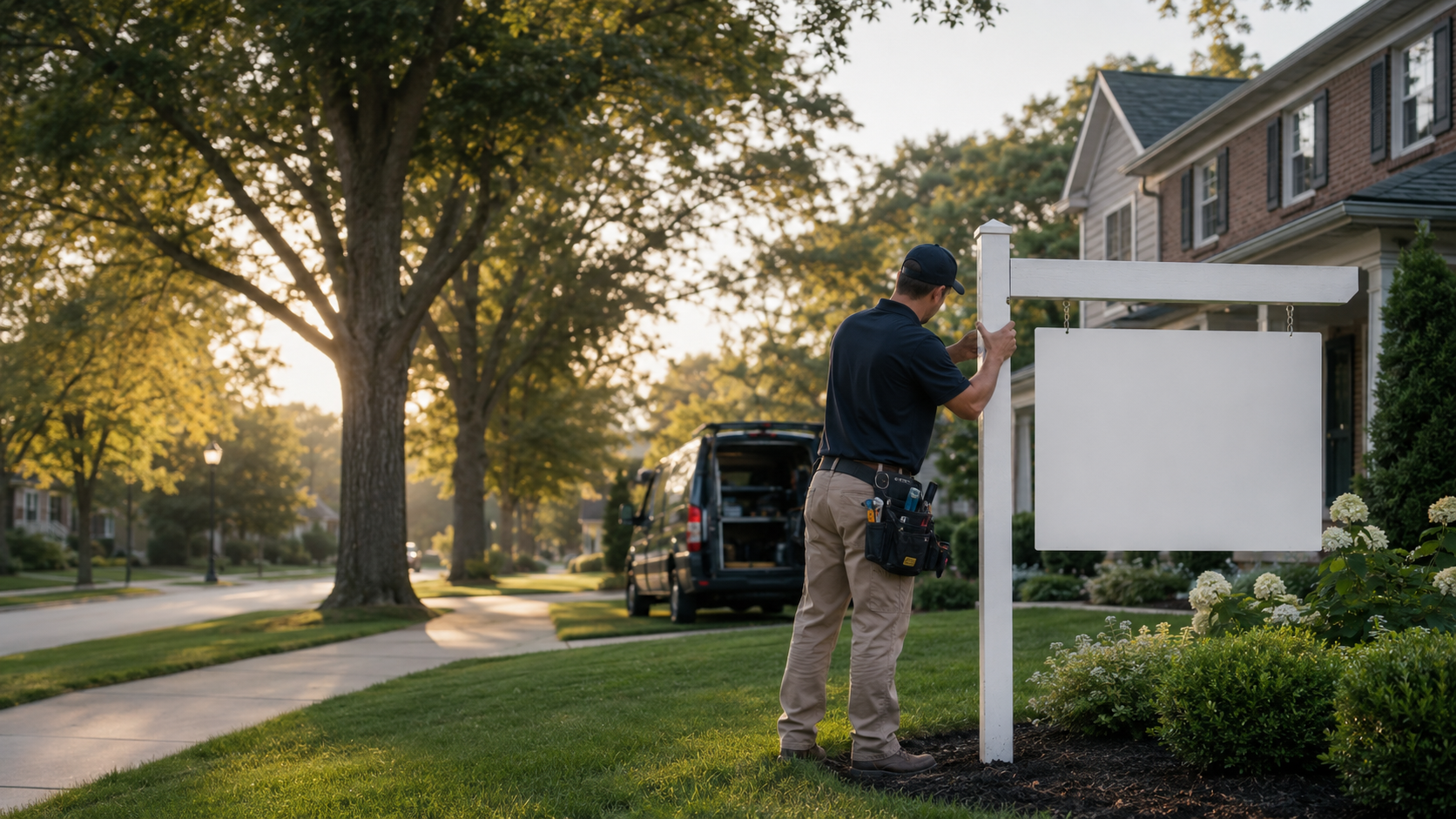
Order installations, removals, service calls, riders, and storage from one simple account. Follow every job from request to photo-confirmed completion.
Every request connects the property, schedule, sign items, installer updates, completion proof, inventory, and billing.
Choose the post, panel, riders, accessories, date, and exact placement instructions.
Start installation →Select an installed property and tell us where the items should return.
Request removal →Repair, straighten, relocate, replace an item, or add and remove a rider.
Request service →Coordinate directional signs, setup, pickup, and event-timed removal.
Explore open house →Enter the listing, service date, sign items, access, placement, and contact instructions.
Follow acceptance, scheduling, assignment, travel, and completion from your account.
Review completion photos, sign inventory, invoice, and the full job timeline.
Agents see where an order stands. Offices see work across their team. Every completed job can include the sign items, timestamps, notes, and proof required by the service.
Standard installation • Today, 8:30–10:00 AM
These prototype prices are examples. The live website will pull approved public prices from company settings and show your account price after login.
Standard signpost installation in the primary service zone.
Panel, rider, rush, zone, and special-condition charges may apply.Standard installation with one approved sign rider.
Item availability and office pricing may vary.Repair, straighten, adjust, relocate, or inspect an existing sign.
Replacement items and additional trips are quoted separately.Enter the listing address to confirm standard coverage, extended-zone review, or a custom service request.
Open Full Coverage MapFinal availability and any zone charge are confirmed with your order.
Set approved services, choose who pays, manage agent access, see installed inventory, and follow every active order.
Agent approvals, company-paid or agent-paid rules, approved inventory, coverage, and account pricing.
Orders, installed signs, service history, invoices, QR leads, and reports across permitted offices.
Standard instructions, branded sign options, clear proof rules, and one place for communication.
Create an agent or office account, choose Installation, enter the property and requested window, select the approved sign items, review your price, and submit or pay according to your account.
When completion photos are required for the selected service, they appear in the order timeline after the installer submits and the company reviews them.
Storage availability, fees, and eligible items are controlled by your account and the current service catalog. Sign in or contact us for your storage setup.
Rush availability depends on the address, working hours, installer capacity, and selected service. Any rush fee is shown before you approve the order.
Yes. An approved office can be configured for office-paid, agent-paid, autopay, prepay, or invoice terms.
The coverage checker will show an extended-area review or request option. Any distance or zone charge is confirmed before submission.
Create your account or sign in to place and track an order.